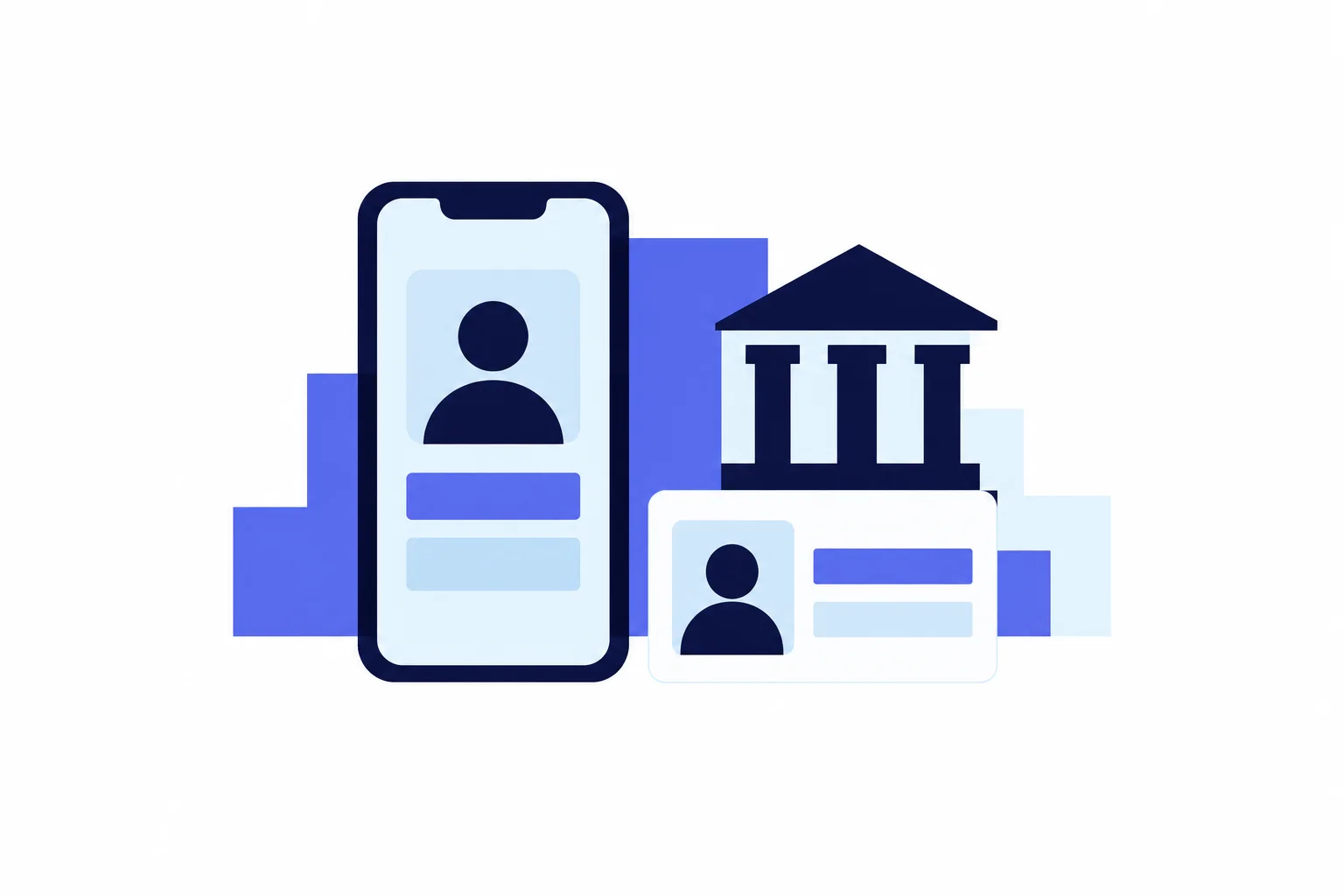
On September 8, 2026, FinCEN, jointly with staff of the four federal banking agencies, said in new FAQs that a bank or credit union may accept a state-issued mobile driver's license as government ID when an individual opens an account, in a branch or online. For customers, the ID in a phone wallet can now be used to open an account, but only where the institution chooses to accept it and can read it, so the plastic card is still the safer thing to bring. It follows other changes since mid-2025: banks may now get your Social Security number from a third party instead of from you, and FinCEN has pointed them toward live audio and video checks as AI-made fake IDs spread.
Key takeaways
- The federal Customer Identification Program rule still requires four facts before an account opens: name, date of birth, address and an identification number, which for US persons is a taxpayer identification number such as a Social Security number.
- Since mid-2025, banks may obtain that number from a third-party source rather than from the customer, if they choose to, but they must still have the full number before the account opens.
- A qualifying mobile ID is digitally signed by the issuing state, bound to a device and unlocked with a PIN or biometric, and no bank is required to accept one.
- FinCEN has warned that criminals use AI-generated ID images and video to beat account-opening checks; the FBI says cloned voices have been used to get into bank accounts.
- The FTC's rule of thumb for calls: anyone who asks for your verification code, or tells you to move money to protect it, is a scammer.
What it means for you
- Opening an account online: many apps ask for an ID photo plus a live selfie or video, and some may ask for only part of your Social Security number. See the remote-checks section if the selfie step fails.
- Using a mobile driver's license: banks may accept it but don't have to. Ask first, and carry the physical card.
- No driver's license, or thin ID: the federal rule lets banks use other documents and database checks, and a branch visit, where staff can look at documents in person, can be the more flexible route.
- Calling your bank, or getting a call from it: hang up and call back on a number you look up yourself; the calls section has a side-by-side table.
- Older adults: opening in person avoids the app's selfie step, and any call urging you to "move money to protect it" is a scam, per the FTC.
- Worried about deepfake voices: a family code word and a callback on a number you trust protect you against cloned-relative calls and fake bank calls. They don't stop someone from using a clone of your voice on the bank's line, so if you use voice login, limit public recordings of your voice and ask your bank what other checks protect the account.
What the mobile ID guidance allows
The joint FAQs on verifiable digital credentials, announced by FinCEN on September 8, 2026 and issued with staff of the Federal Reserve Board, FDIC, NCUA and OCC, answer two new questions and update an older one. They cover verifying the identity of individual customers. They define a verifiable digital credential (VDC) as data about a person that is digitally signed by the issuer, cryptographically bound to a device and protected by an "activation factor" such as a PIN or a face or fingerprint match.
An unexpired state mobile driver's license (mDL), or another government-issued digital credential, that shows nationality or residence and carries a photograph "or similar safeguard" qualifies as "government-issued identification" under the federal ID rule, with three limits:
- It is optional. The FAQs say the rule "neither requires nor prohibits" relying on these credentials.
- The bank needs the technology. It must have systems that can read the credential, and its written identification program must allow it.
- Fraud signals still count. If a digital ID shows signs of fraud, the bank must weigh that before deciding whether it knows who you are.
The FAQs create no new legal requirements or supervisory expectations. Availability is uneven too: as of October 2026, TSA's list of participating digital IDs covers 21 states plus Puerto Rico, through Apple, Google or Samsung wallets or state apps. Airport acceptance says nothing about whether a given bank can read the same credential, and TSA itself tells travelers to carry a physical ID.
What every bank must collect
The baseline is the Customer Identification Program (CIP) rule, 31 CFR 1020.220, which applies to banks, savings associations and credit unions. Before opening an account, the bank must obtain at least:
- Your name.
- Your date of birth.
- A residential or business street address. If you have neither, an APO or FPO box number, or the street address of next of kin or another contact person, is allowed.
- An identification number. For a US person, that is a taxpayer identification number (TIN), such as a Social Security number or an ITIN. A non-US person may instead give a passport number and issuing country, an alien identification card number, or another government photo ID number.
The bank then has to verify those facts "within a reasonable time after the account is opened," using documents, non-documentary methods or both. Documents usually mean an unexpired government photo ID such as a driver's license or passport. Non-documentary methods include comparing what you said with a consumer reporting agency, a public database or another source, contacting you, or checking references with other financial institutions. Banks must also plan for customers who cannot show a photo ID or who never visit a branch.
The Social Security number change
Until mid-2025, only credit card accounts could have their identifying details filled in from third-party sources. An exemption order issued June 27, 2025 by the OCC, FDIC and NCUA, with FinCEN's concurrence, extended the third-party option to all accounts at the banks and credit unions they supervise, but for the TIN only: a bank may now obtain TIN information from a third party instead of from the customer. For accounts other than credit cards, name, date of birth and address still come from you. FinCEN's announcement notes that the Federal Reserve issued a matching order on July 31, 2025.
Using the exemption is optional, and the order says a bank that uses it must still obtain the full TIN from the third-party source before the account opens. The order cites customers' reluctance to hand over a full Social Security number after data breaches. So an application that asks for only part of your SSN may be legitimate: the bank fills in the rest from another source.
A checking-history screen comes next
Separate from identity verification, many banks check your history with a checking account reporting company such as ChexSystems or Early Warning Services. The CFPB explains that these reports list problems such as unpaid negative balances or suspected fraud, and that a denial based on one requires a notice naming the company, whose report you can then get free and dispute.
How remote checks work now
On a phone, the bank cannot hold your card, so many apps ask for an ID photo plus a live selfie or video. FinCEN's alert FIN-2024-Alert004 of November 13, 2024 explains why this step matters. Starting in 2023, financial institutions filed more suspicious activity reports describing fake IDs, photos and videos made with generative AI, and some accounts opened that way laundered proceeds of other scams. FinCEN names live audio or video checks and multifactor authentication as helpful practices.
Some of FinCEN's red flags can catch honest applicants: repeated "glitches" with a request to switch channels during a live check, a third-party webcam plugin, or documents that don't match each other. No single flag proves fraud, FinCEN stresses, but they explain why a failed selfie check can lead to manual review.
The federal vocabulary for these checks
NIST's identity-proofing guideline, SP 800-63A-4, finalized in July 2025, is written for federal agencies and identity providers, but its definitions describe what bank onboarding looks like:
| Proofing type (NIST) | What happens | Typical bank equivalent |
|---|---|---|
| Remote unattended | Fully automated checks on your own device; no human agent | App sign-up with ID photo and selfie |
| Remote attended | Secure video session with a trained agent | Video call with a bank representative, where offered |
| On-site unattended | A kiosk or workstation the provider controls | Self-service terminal in a branch, where offered |
| On-site attended | In person, with an agent who inspects your evidence | Opening an account at a branch desk |
Under the NIST standard, knowledge-based questions such as "which of these streets have you lived on?" "SHALL NOT be used" to verify identity. Banks are not bound by NIST and may still ask them, but the federal standard does not accept them as proof of identity.
If you can't pass online verification
Each bank's program decides when not to open an account and when to close one it cannot verify. A branch visit, where staff inspect documents in person, may resolve what automated checks cannot. Bring an unexpired photo ID and a second item. The CFPB's account-opening checklist lists a Social Security card, a bill with your name and address, or a birth certificate, and notes that some banks and credit unions accept foreign passports and consular ID cards such as the Matricula Consular. Acceptance varies, so a refusal at one bank does not mean every bank will refuse.
Verification calls and voice clones
Voiceprint login by phone has not disappeared: HSBC USA's Voice ID page, for example, describes enrolling by repeating "My voice is my password." At the same time, the FBI's December 3, 2024 public service announcement states that criminals obtain access to bank accounts using AI-generated audio clips that impersonate account holders, and clone relatives' voices for fake emergency calls.
These are two different risks. When someone uses a clone of your voice on the bank's own line, you are not on the call, so careful call habits don't help. The FBI's advice there is to limit public recordings of your voice and images, and if you are enrolled in voice login, you can ask your bank what other checks protect the account. When a call reaches you, whether from a fake bank or a cloned relative, your own habits are the defense:
| Situation | Safer pattern | Warning sign |
|---|---|---|
| Who starts the call | You call the number on your card, statement or the bank's app | An unexpected call or text about "fraud" on your account |
| One-time codes | You type codes only into the bank's own app or site | A caller asks you to read a code aloud |
| Moving money | Your money stays where it is while you check | A caller says to move funds to a "safe" account |
| A relative's voice asking for money | Ask for the family code word, then call them back | Urgency, secrecy, gift cards or crypto |
The FTC is blunt on two points. Its alert on verification codes says anyone who asks for one "is a scammer," and its alert on moving money says a person who tells you to move money to protect it is a scammer "Period." Both say to call back on a number from your statement, never one the caller supplies. For calls from someone who sounds like a relative, the FBI recommends a secret word or phrase agreed with your family.
Frequently asked questions
Can a bank open my account before it finishes verifying me?
Yes. The CIP rule requires verification "within a reasonable time after the account is opened," and each bank's program must set the terms under which you can use the account while verification is still pending. If verification fails, the bank's procedures say when it closes the account.
Why does a bank need a Social Security number at all?
For US persons the rule's required identification number is a TIN; a non-US person may instead give a passport number or another government ID number. The CFPB notes that interest-bearing accounts need an SSN or ITIN because interest is taxable, and that without one you may be able to open only a no-interest account. If you have applied for a TIN but not received it, the rule lets a bank open the account once it confirms the application was filed, then collect the number within a reasonable time.
How long does the bank keep my identity details?
The identifying information you provide must be kept for five years after the account closes. Records describing the document the bank relied on, the methods used and how any discrepancies were resolved must be kept for five years after the record is made. The rule itself requires a description of the document, such as its type, number and expiration date; it does not require a photocopy, though a bank's own policy may keep one.
Does a photo or screenshot of my license count as a mobile ID?
No. Under the agencies' definition, a verifiable digital credential is digitally signed by the issuer, cryptographically bound to your device and unlocked with a PIN, password or biometric. A picture of a plastic card has none of those properties. An app that asks you to photograph your license is checking the physical card, not accepting a mobile ID.
Must a bank warn me before checking my identity?
Yes. The CIP rule requires adequate notice before an account opens, for example in the lobby, on the website or on the application. The rule's sample wording says the bank will ask for your name, address, date of birth and other identifying information, and may ask to see a driver's license or other documents.
What to do before you apply
A short checklist for an app or a branch:
- Check that your photo ID is unexpired, and have a second item ready: a utility bill with your current address, a Social Security card or a birth certificate.
- If you want to use a mobile driver's license, ask the bank first whether it accepts one for account opening, and bring the physical card anyway.
- Do the selfie step in good light on a stable connection. If it keeps failing, ask the bank about another route, such as a branch visit, rather than retrying over and over.
- Enter your name exactly as it appears on your ID. If you have moved since the ID was issued, give your current address and have a document that shows it, such as a recent bill, because mismatches can trigger manual review.
- If you are denied, ask which reporting company was used, request your free report and dispute any errors.
- Save your bank's phone number from its official app or the back of your card, agree on a code word with close family, and never read a verification code to a caller.
This article is general educational information, not legal or financial advice. Each bank's own identification program determines which documents and digital IDs it accepts.
Sources
- FinCEN and federal banking agencies: FAQs on verifiable digital credentials under the CIP rule (September 2026)
- FinCEN news release, September 8, 2026
- 31 CFR 1020.220, Customer identification program requirements for banks (eCFR)
- OCC, FDIC and NCUA exemption order on TIN collection, June 27, 2025
- FinCEN: alternative collection method for TIN information
- FinCEN Alert FIN-2024-Alert004 on deepfake media, November 13, 2024
- NIST SP 800-63A-4, Identity Proofing and Enrollment
- NIST SP 800-63A-4, identity proofing requirements
- TSA: digital ID participating states
- CFPB: What is a ChexSystems report?
- CFPB: Checklist for opening a bank or credit union account
- HSBC USA: Voice ID
- FBI IC3 PSA I-120324-PSA on generative AI fraud, December 3, 2024
- FTC: What's a verification code and why would someone ask me for it?
- FTC: Never move your money to "protect it." That's a scam