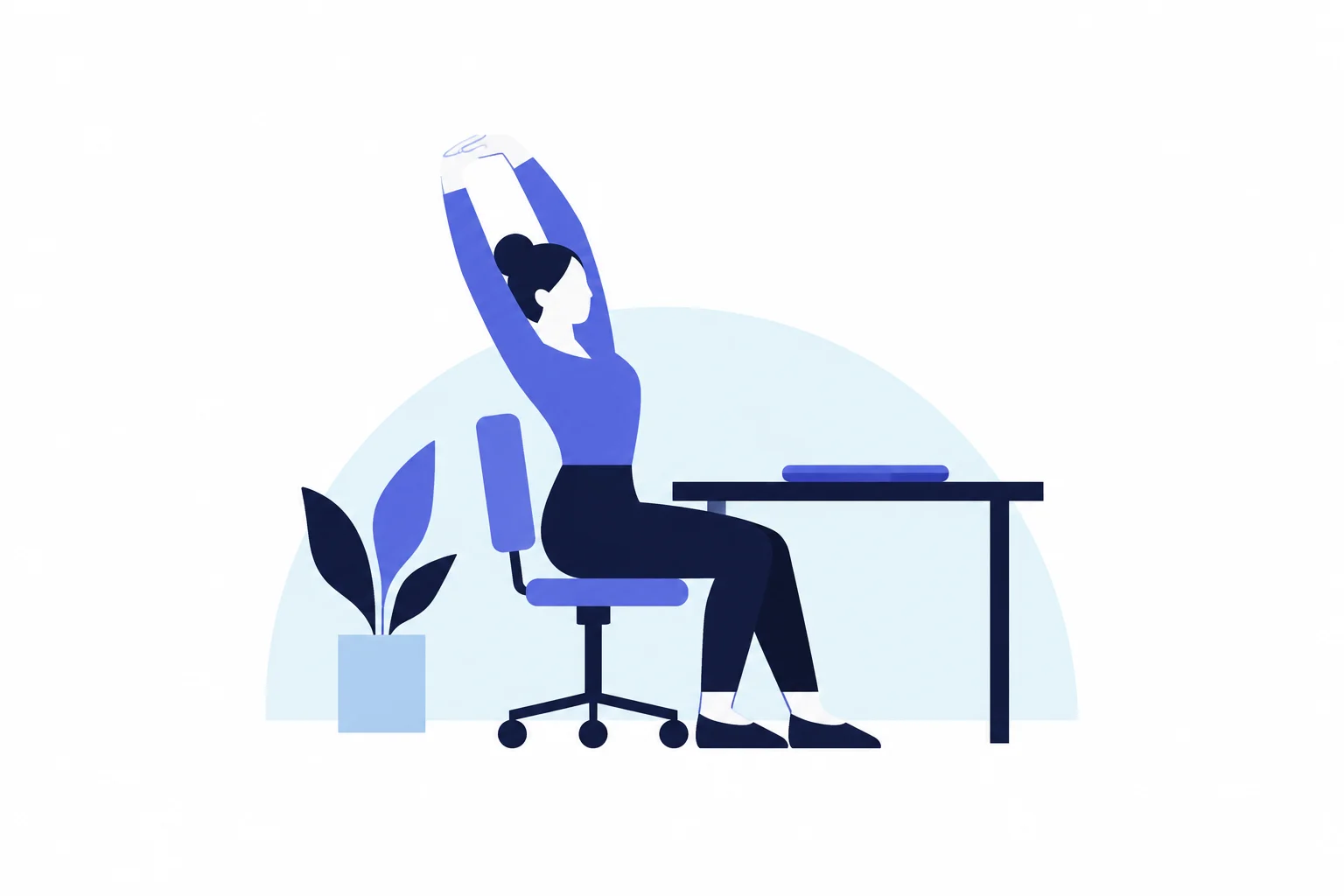
A meta-analysis published in Scientific Reports on June 15, 2026, found that short exercise sessions at the desk, lasting 2 to 20 minutes and aimed at the neck and shoulders, reduced pain in sedentary workers. Many of the trials it pooled used strength work with elastic bands or dumbbells rather than stretching alone. Together with a 2025 expert consensus that stretching loosens joints but does not fix posture or prevent most injuries, the practical takeaway for desk workers is to keep stretch breaks for comfort and mobility, and if your neck or shoulders hurt, add a few minutes of targeted strengthening.
Key takeaways
- The June 2026 review of 19 randomized trials (2,732 workers) found less neck and shoulder pain after workplace "micro-exercise." Certainty was moderate for combined neck/shoulder pain and very low for some other outcomes, and 11 of the 19 trials were run in Denmark.
- A 20-expert Delphi consensus, published online June 11, 2025, agreed that stretching improves range of motion but does not improve posture, does not reduce overall injury risk and is not a recovery strategy after exercise.
- Official US advice has not changed. The 2018 federal Physical Activity Guidelines say stretching alone does not count toward weekly aerobic or muscle-strengthening targets. An OSHA workstation page suggests a five-minute break from computer tasks every hour.
- In one Danish trial in the review, 2 minutes a day of band exercise, 5 days a week, cut neck and shoulder pain by 1.4 points on a 0–10 scale compared with a control group. Twelve minutes a day cut it by 1.9 points.
- Stretching still improves how far your joints move. For a quick gain, the consensus, which covered healthy people, suggests at least two holds of 5 to 30 seconds.
What it means for you
- Desk workers without pain: keep taking short breaks. Breaks of up to 10 minutes slightly eased fatigue in a 2022 meta-analysis, and stretching improves how far joints move. Neither has been shown to prevent injury.
- Remote workers: breaks may be easier to skip without a set routine. The FAQ covers on-screen break reminders.
- Neck or shoulder pain: this is what the 2026 review studied. A short daily strengthening routine has stronger trial support than stretching alone. See "Short exercise for desk neck pain."
- Low-back pain: the 2026 review covered only the neck and shoulders. Warning signs that need a clinician are listed at the end.
- Standing and shift workers: the new review studied desk workers only, and pre-shift group stretching has mixed, low-quality evidence for preventing injuries.
- Older workers: federal guidelines say to keep the flexibility needed for daily life and, separately, to do activity that combines balance, aerobic and strength work (see the FAQ).
- Sit-stand desk users: these desks cut sitting time in trials but are not a stretch routine. See "How often to break up sitting."
What changed, and what didn't
No US agency issued new workday stretching guidance in 2025 or 2026; the research moved. Each document below was checked on October 10, 2026; the two Cochrane reviews were checked through their PubMed records.
| Date | Source | What it says | Status |
|---|---|---|---|
| Apr 2011 | Cochrane review of workplace interventions for neck pain | 10 trials, 2,745 workers. Low-quality evidence that neither supported nor refuted any specific workplace program for pain. | No newer version indexed in PubMed |
| 2018 | HHS Physical Activity Guidelines, 2nd edition | Stretching increases flexibility. Its health benefits are unknown, and it does not count toward aerobic or muscle-strengthening targets. | Current federal guidance |
| Dec 17, 2018 | Cochrane review of reducing sitting at work | Sit-stand desks cut sitting at work by about 100 minutes a day in the short term (low-quality evidence). | No newer version indexed in PubMed |
| Aug 31, 2022 | Micro-break meta-analysis, PLOS ONE | Breaks of up to 10 minutes gave small boosts to vigor and small reductions in fatigue, with no significant overall effect on performance. | Peer-reviewed study |
| Jun 11, 2025 | Stretching Delphi consensus, Journal of Sport and Health Science | Stretching improves range of motion; lowering muscle stiffness took static holds of more than 4 minutes per muscle. It does not improve posture, reduce overall injury risk or speed recovery. | Expert consensus, not a government guideline |
| Jun 15, 2026 | Micro-exercise meta-analysis, Scientific Reports | Short neck and shoulder exercise sessions at work reduced pain and neck disability in sedentary workers. | Version of record published Sep 1, 2026 |
On breaks, the undated OSHA workstation guide calls frequent short breaks desirable, gives the example "Every hour, take a five-minute break from computer tasks," and suggests standing, stretching and moving around, according to the OSHA Computer Workstations eTool.
What stretching can and can't do
The Delphi consensus led by Konstantin Warneke (a Delphi study collects experts' anonymous ratings over several rounds until they agree) drew on systematic reviews across eight topics. A recommendation needed at least 80% agreement among the 20 panelists to pass. The panel wrote for healthy people and left reviews of patients out of its evidence, so its advice may not apply if you have a painful condition. Three findings matter most for desk workers.
It loosens you up
The panel agreed that stretching improves range of motion, meaning how far a joint can move, both right away and over weeks of practice. To gain range of motion in the moment, the panel suggests at least two holds of 5 to 30 seconds and recommends no particular technique. For lasting gains, it suggests 2 to 3 sets a day, each held for 30 to 120 seconds per muscle, using static stretches (held still) or PNF stretches (contract-relax).
It doesn't fix posture
The panel did not recommend stretching for changing posture, and this recommendation passed with 100% agreement in the first round. That undercuts a common desk-worker plan: stretching the chest to fix rounded shoulders. The panel noted that strengthening weak muscles seems a better bet for posture.
It doesn't prevent most injuries
The panel concluded that stretching does not reduce overall injury risk. It may cut some muscle injuries, but those gains may be offset by more bone and joint injuries. The 2018 Physical Activity Guidelines for Americans likewise call it unclear whether flexibility activities reduce injury risk.
For workplace stretching programs specifically, a 2008 systematic review of seven workplace studies found mixed results and low study quality. The authors warned that stretching can hide awareness of the real causes, such as a badly set-up task, if those causes go unfixed. That matters for shift workers whose day starts with group stretching.
Short exercise for desk neck pain
The 2026 micro-exercise meta-analysis by Yaghoubitajani and colleagues covered sedentary workers who already had neck or shoulder pain. It counted only structured 2- to 20-minute neck or shoulder sessions that needed no special facilities, so a plain walk break did not qualify. It pooled strengthening, stretching and mixed programs, but too few studies allowed a comparison of types.
The results favored exercise, with caveats. For combined neck and shoulder pain, the effect was moderate in size and the evidence was rated moderate certainty. Neck pain alone showed a large average effect, but the trials disagreed widely and certainty was rated low. The authors say these large effects are probably inflated and treat them as hypothesis-generating. The authors found no clear effect on work ability or sick days, each measured in only one study, and they flagged possible publication bias. As a practical step, they suggest that employers consider brief (2 to 10 minute) daily resistance or stretching routines for the neck and shoulders, ideally with some supervision at the start.
That is a step beyond the 2011 Cochrane review of workplace interventions for neck pain, which found low-quality evidence that neither supported nor refuted any specific program.
How small a dose helped in one trial
One of the Danish trials in the review, published in Pain in 2011, randomly assigned 198 generally healthy adults who worked at least 30 hours a week and had frequent neck and shoulder pain to progressive elastic-tubing resistance exercise for 2 or 12 minutes a day, 5 days a week, or to weekly health emails. After 10 weeks, compared with the email group, pain on a 0–10 scale fell by 1.4 points in the 2-minute group and by 1.9 points in the 12-minute group.
Illustrative comparison, using the trial's doses:
Weekly time = minutes per day × days per week
2-minute group:  2 × 5 = 10 minutes a week   → pain down 1.4 points vs control
12-minute group: 12 × 5 = 60 minutes a week  → pain down 1.9 points vs control
Extra time: 60 − 10 = 50 minutes a week for 0.5 more points of relief
"Minutes per day" is band-exercise time per session, and "days per week" is how many workdays it was done. The 2-minute group got about three-quarters of the 12-minute group's average pain reduction (1.4 of 1.9 points), and the two groups' 95% confidence intervals overlapped (−2.0 to −0.7 and −2.5 to −1.2), so the trial does not show that 12 minutes clearly beat 2. This was one trial, so it shows what is possible, not what any one person should expect.
How often to break up sitting
Break timing is better studied for sitting time and fatigue than for pain. The 2018 Cochrane review of workplace interventions to reduce sitting found one small study in which 1- to 2-minute breaks every half hour cut sitting at work by about 40 minutes a day compared with two 15-minute breaks (low-quality evidence). In the same review, sit-stand desks cut sitting at work by about 100 minutes a day for up to three months and by about 57 minutes a day at 3 to 12 months. No evidence was available for longer periods.
The 2022 micro-break meta-analysis by Albulescu and colleagues pooled 22 study samples (2,335 people). Breaks of up to 10 minutes slightly raised vigor and eased fatigue, but did not significantly improve overall performance.
| Illustrative 8-hour desk day | Breaks | Total break time |
|---|---|---|
| 1–2 minutes every 30 minutes | 15 | 15–30 minutes |
| 5 minutes every hour (OSHA example) | 7 | 35 minutes |
The counts assume no break at the end of the day (480 minutes ÷ 30 = 16 blocks, so 15 breaks; 8 hours, so 7 breaks). Total time is similar. Frequent short breaks interrupt sitting sooner, and that is the pattern the Cochrane study tested.
Frequently asked questions
Does stretching at my desk count toward weekly exercise?
No. The federal Physical Activity Guidelines say that time spent on flexibility activities by themselves does not count toward the aerobic or muscle-strengthening targets. They still call stretching an appropriate part of an activity program. For older adults, they say to maintain the flexibility needed for regular physical activity and daily life. Separately, they recommend multicomponent activity that includes balance training as well as aerobic and muscle-strengthening activity.
Is static or dynamic stretching better at a desk?
For a quick loosening, the 2025 consensus recommends no particular technique because all showed similar effects. For lasting gains in range of motion, the panel advises static or contract-relax (PNF) stretching over dynamic stretching. Dynamic stretching means moving a joint repeatedly through its range rather than holding a position.
Do walking or foam rolling work as well as stretching?
For short-term range of motion, the consensus found no differences between stretching and foam rolling, cycling, jogging, eccentric resistance training, heat or vibration. Over weeks, full-range strength training improved range of motion at least as much as stretching.
Do on-screen break reminders help?
The evidence is thin but somewhat encouraging, and it comes from computer prompts rather than phone apps. In the 2018 Cochrane review, computer prompts combined with information did not change sitting time significantly in the short term. In one study, they reduced sitting by about 55 minutes a day at 3 to 12 months. Prompts that told people to stand cut sitting by about 14 minutes a day more than prompts that told them to walk 100 steps.
Can stretching at work do harm?
It can if done badly. The 2008 review of workplace stretching warned that poorly performed stretches may cause or aggravate injuries. The NIH Division of Occupational Health and Safety says its desk exercises are meant for healthy adults and should not cause any pain or discomfort, so stop if a stretch hurts. MedlinePlus lists numbness, tingling or weakness in an arm or hand alongside neck pain as a reason to contact a provider.
A short workday routine
The holds below come from the NIH workplace exercises and stretches page, which was marked as under review when checked on October 10, 2026. They fit the consensus suggestion of at least two holds of 5 to 30 seconds. The three stretches add up to roughly 4 to 6 minutes of holding, depending on how you count the wrist repeats, plus about 2 minutes if you add band work.
- Set a break rhythm. Stand up for 1 to 2 minutes every 30 minutes, or take 5 minutes off the screen each hour.
- Neck side bend. Tilt your ear toward your shoulder, hold for 15 seconds, then relax. Repeat 3 times on each side.
- Shoulder shrug. Lift your shoulders toward your ears, hold for about 3 seconds, then roll them back and down. Repeat 10 times.
- Wrist stretch. Hold one arm straight out, pull the hand back gently with the other hand, then pull it downward. Hold each direction for 20 seconds, 3 times per arm.
- If your neck or shoulders hurt often, add about 2 minutes of elastic-band resistance work on 5 workdays a week, making it gradually harder over the weeks as the Danish trial did. A US trial in the 2026 review used band shrugs and band scapular retractions (squeezing the shoulder blades together), 12 repetitions each. The review's authors suggest some supervision at the start, so consider having a physical therapist check your technique.
When to see a clinician
This article is general education, not medical advice, and a doctor or physical therapist can tailor exercises if you have ongoing pain. MedlinePlus advises getting emergency help (call 911) for fever and headache with a neck so stiff you cannot touch your chin to your chest, and seeking help right away for neck pain with heart-attack symptoms such as shortness of breath, sweating, nausea or arm or jaw pain. It advises contacting a provider if neck pain does not go away in 1 week with self-care, follows a fall, blow or injury (call 911 if you cannot move your arm or hand), or comes with numbness, tingling or weakness in an arm or hand, trouble swallowing or breathing, loss of bladder or bowel control, or trouble walking or balancing.
For the low back, MedlinePlus advises contacting a provider right away for pain after a severe blow or fall, pain traveling below the knee, loss of bladder or bowel control, unexplained fever, weakness or numbness in the buttocks, thigh, leg or pelvis, or difficulty walking or keeping your balance. It also advises contacting a provider if an episode lasts longer than 4 weeks.
Sources
- Yaghoubitajani Z, et al. Effectiveness of micro-exercises for managing neck/shoulder pain in sedentary workers: a systematic review and meta-analysis. Scientific Reports, 2026.
- Warneke K, et al. Practical recommendations on stretching exercise: A Delphi consensus statement of international research experts. Journal of Sport and Health Science, 2025.
- Andersen LL, et al. Effectiveness of small daily amounts of progressive resistance training for frequent neck/shoulder pain. Pain, 2011.
- Aas RW, et al. Workplace interventions for neck pain in workers. Cochrane Database of Systematic Reviews, 2011.
- Shrestha N, et al. Workplace interventions for reducing sitting at work. Cochrane Database of Systematic Reviews, 2018.
- Albulescu P, et al. "Give me a break!" A systematic review and meta-analysis on the efficacy of micro-breaks. PLOS ONE, 2022.
- da Costa BR, Vieira ER. Stretching to reduce work-related musculoskeletal disorders: a systematic review. Journal of Rehabilitation Medicine, 2008.
- US Department of Health and Human Services. Physical Activity Guidelines for Americans, 2nd edition, 2018.
- OSHA. Computer Workstations eTool: Work Process.
- NIH Office of Research Services, Division of Occupational Health and Safety. Exercises and Stretches.
- MedlinePlus. Neck pain (reviewed January 14, 2026).
- MedlinePlus. Low back pain, acute (reviewed June 27, 2026).